Duplicates and similar shots
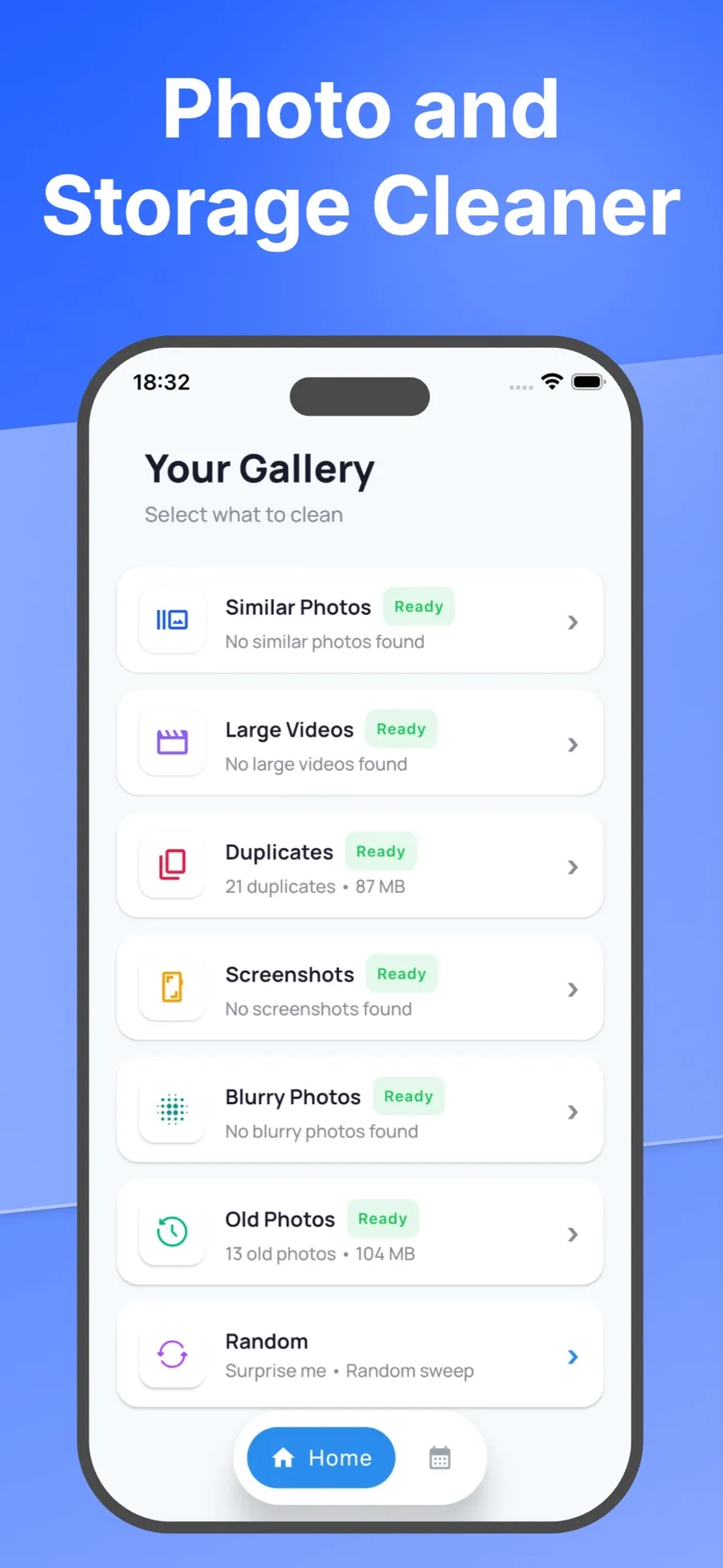
Exact copies and near-identical bursts sit side by side, so you can keep the one you like and select the rest.






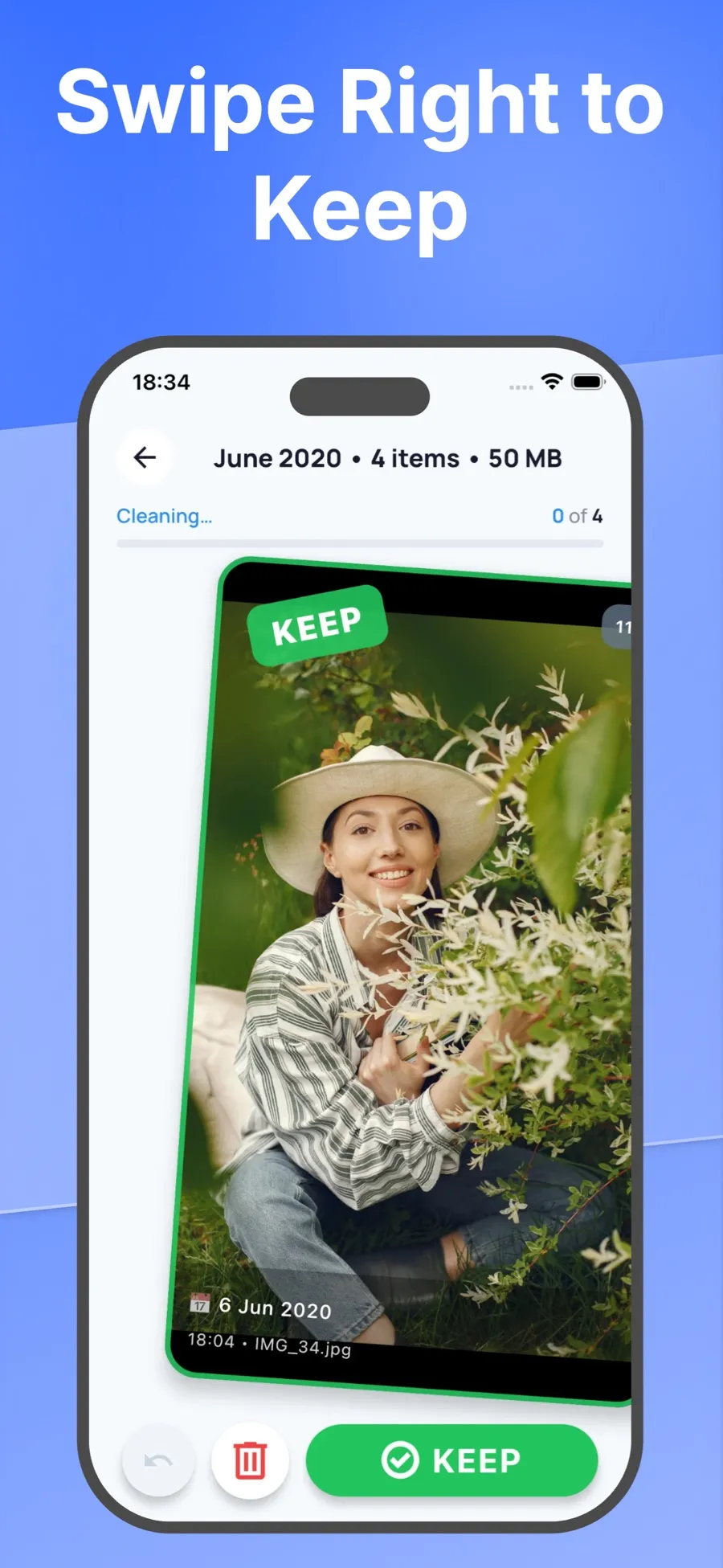
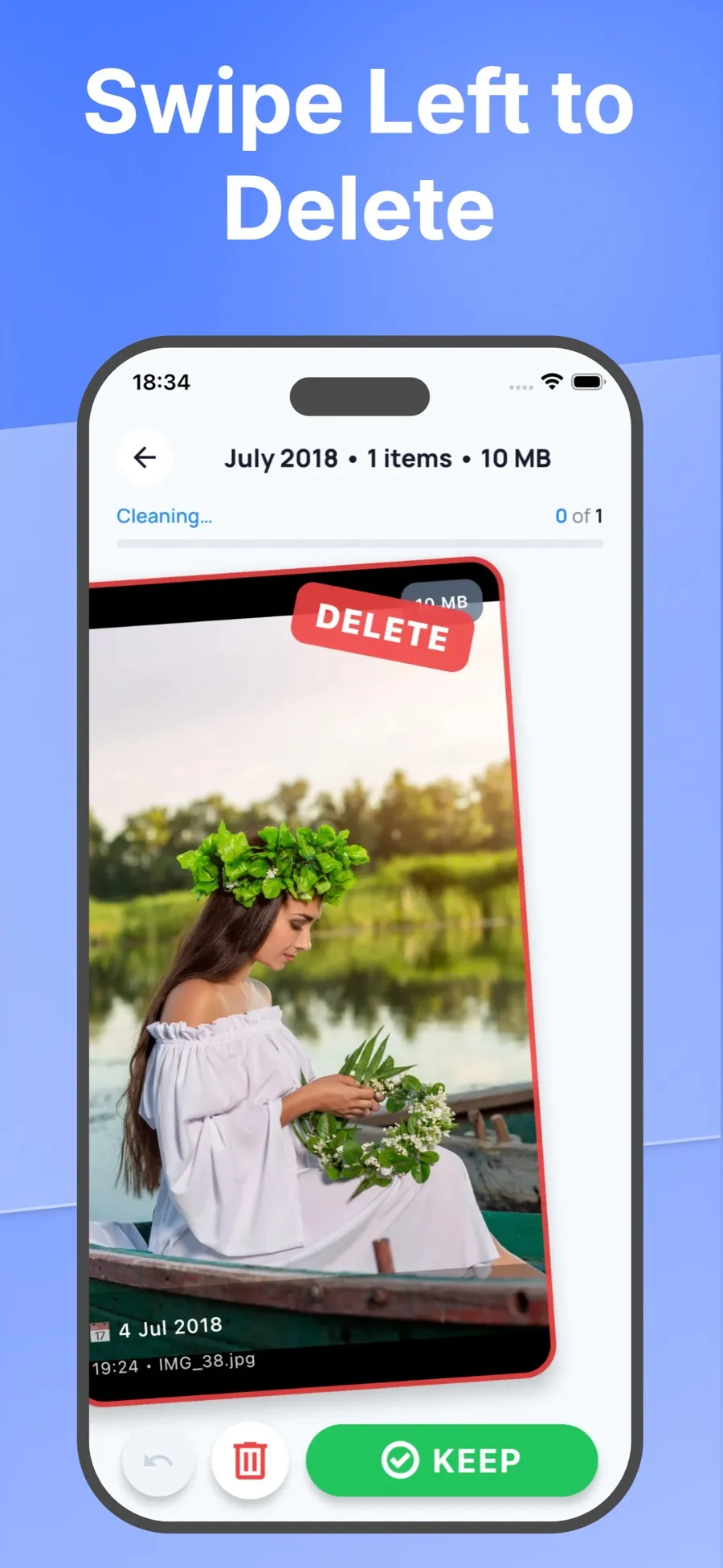
Swipe right to keep a photo, left to set it aside. Swipe Wipe brings up duplicates, similar shots, screenshots and big videos, so you decide what goes.









Review done
0 selected. In the app you’d check these and confirm before anything is deleted.
Selected 0Kept 0
Demo only. It doesn’t access your photos or delete anything.
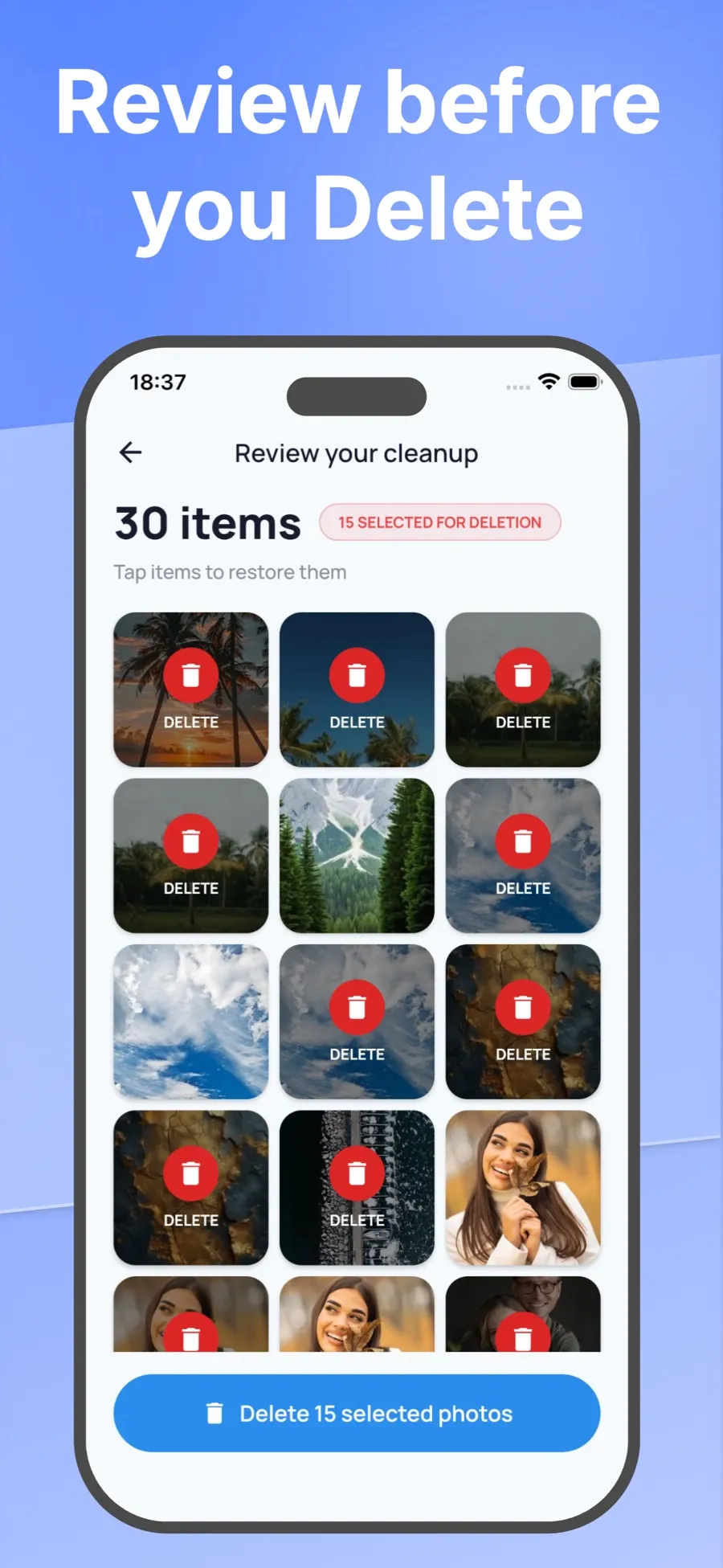
Swiping only marks a photo. Nothing is removed until you check your picks and confirm.
Start with a month, or a group like duplicates, similar shots, screenshots, blurry photos, large videos or old photos.
Swipe right to keep. Swipe left to add a photo to your selection. Buttons work too, and Undo takes back the last swipe.
Look over everything you selected and tap any photo to put it back. Then confirm.
iOS asks you to confirm the deletion. Deleted photos go to Recently Deleted in the Photos app, where you can recover them for 30 days.
Swipe Wipe groups your library so the clutter is easy to spot. You still make every call.
Exact copies and near-identical bursts sit side by side, so you can keep the one you like and select the rest.
Old receipts, boarding passes and memes, all in one place.
See the long clips that take up the most room first.
Go back through years you haven’t looked at in a while.
Shaky and out-of-focus shots are gathered in one place, so they’re quick to clear.
Work through your library one month at a time and pick up where you left off.
Not sure where to start? Get a random handful of photos to sort.
Screens from the current App Store listing.
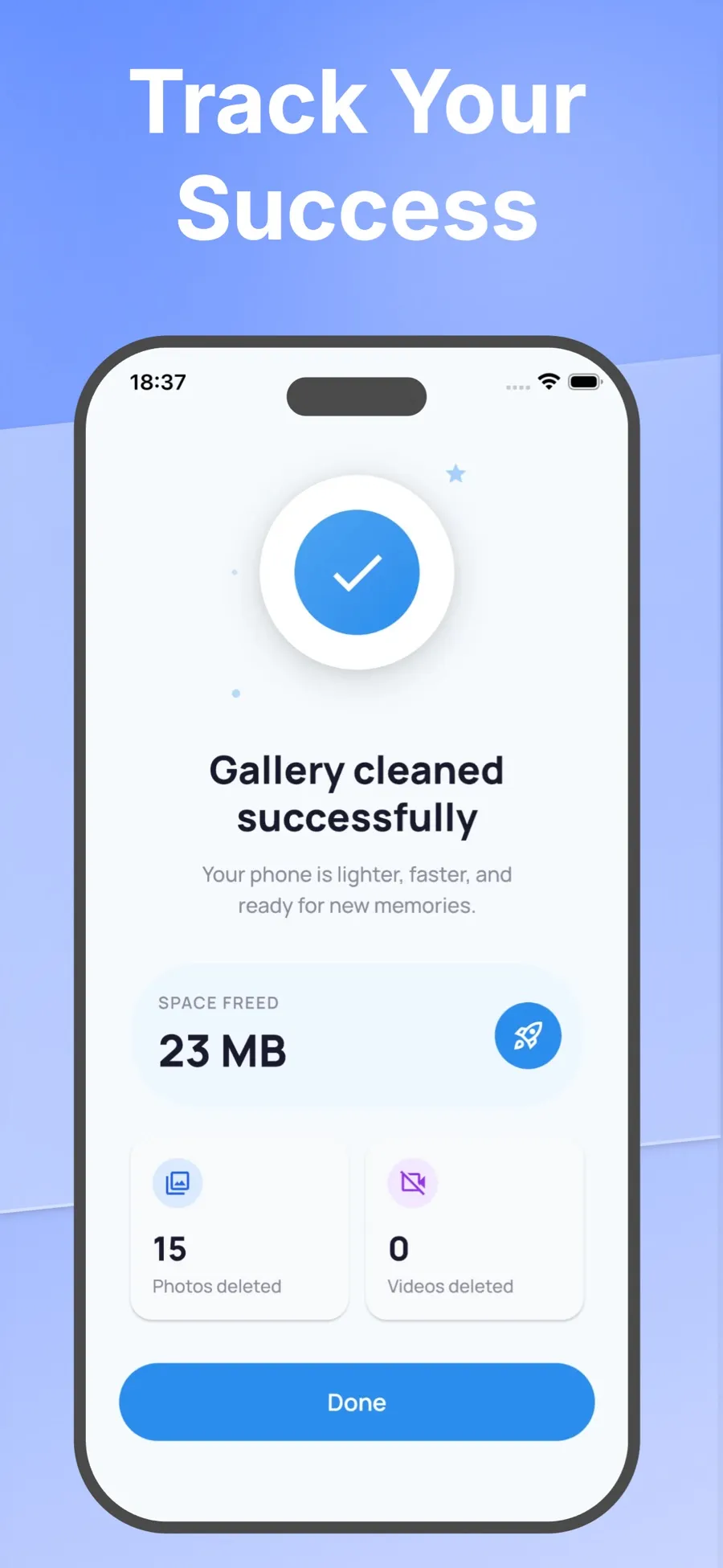
Swipe Wipe needs access to your photo library to show you your photos. It analyses them on your iPhone or iPad. Your photos aren’t uploaded to a server.
The App Store privacy label lists the data the app does collect: purchase history, a device ID, product interaction and crash data.
The download is free. Premium features are sold as in-app purchases, with current prices shown in the App Store for your country.
No. A left swipe adds the photo to your selection. You check the selection, and iOS asks you to confirm before anything is deleted.
Yes, for 30 days. Photos you delete go to Recently Deleted in the Photos app, and you can recover them from there.
No. Swipe Wipe analyses your photos on your device and doesn’t send them to a server. The App Store privacy label lists the limited data the app collects, such as purchase history and crash data.
Swipe Wipe is free to download. Some features need an in-app purchase. The App Store shows current prices for your country.
iPhone and iPad. There’s no Android version on Google Play right now.
No. Swipe Wipe (two words) is made by Ismail Fatih Birak and has App Store ID 6760969517. Apps with similar names come from other developers.
A few minutes of swiping, and you’ll know what’s worth keeping.